Add Gravity to the Microsoft App Launcher
Gravity can be added to the Microsoft App Launcher to make it easier for users to access the applications.
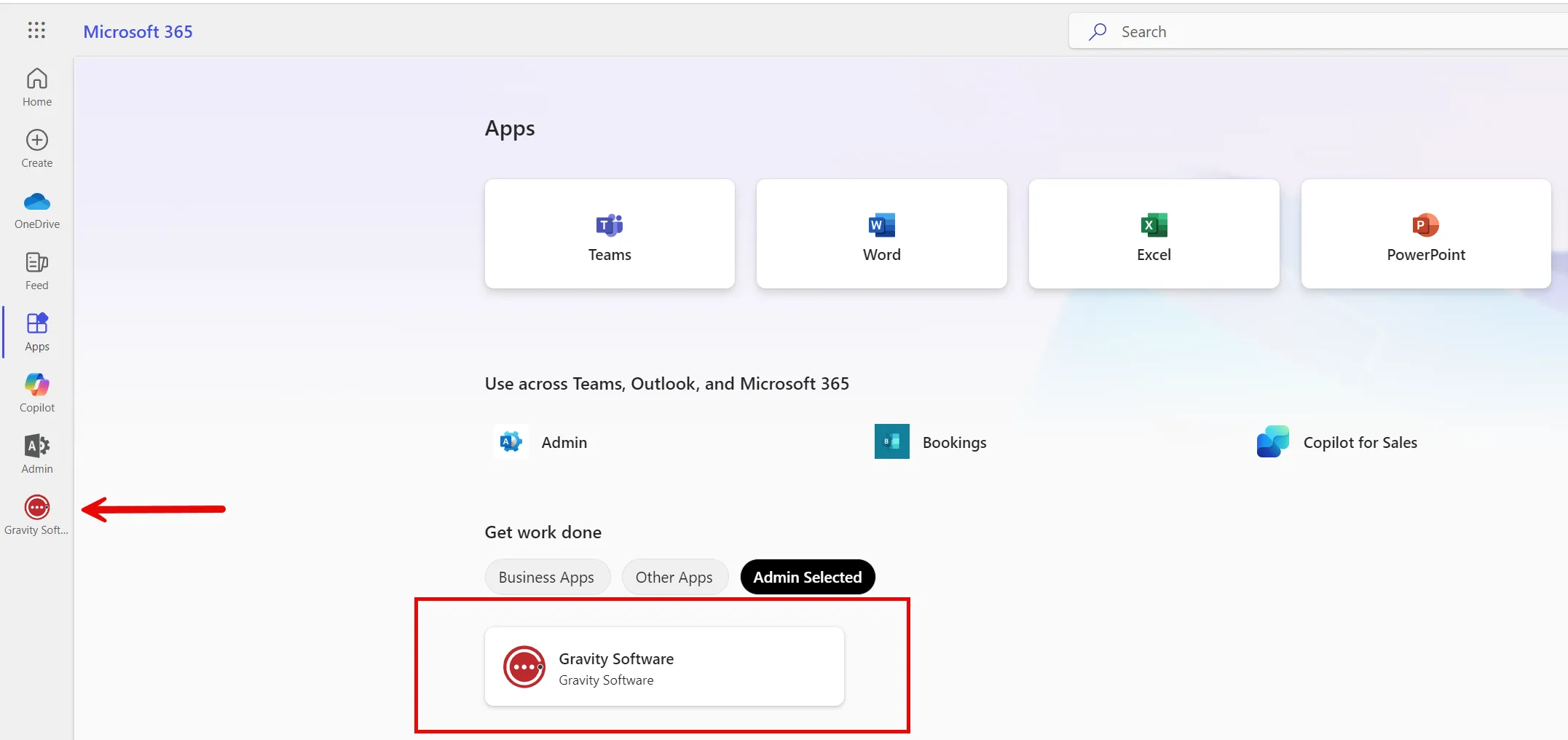
Here is a short video on adding applications to the users menu. You must be a Global Admin to add new applications.
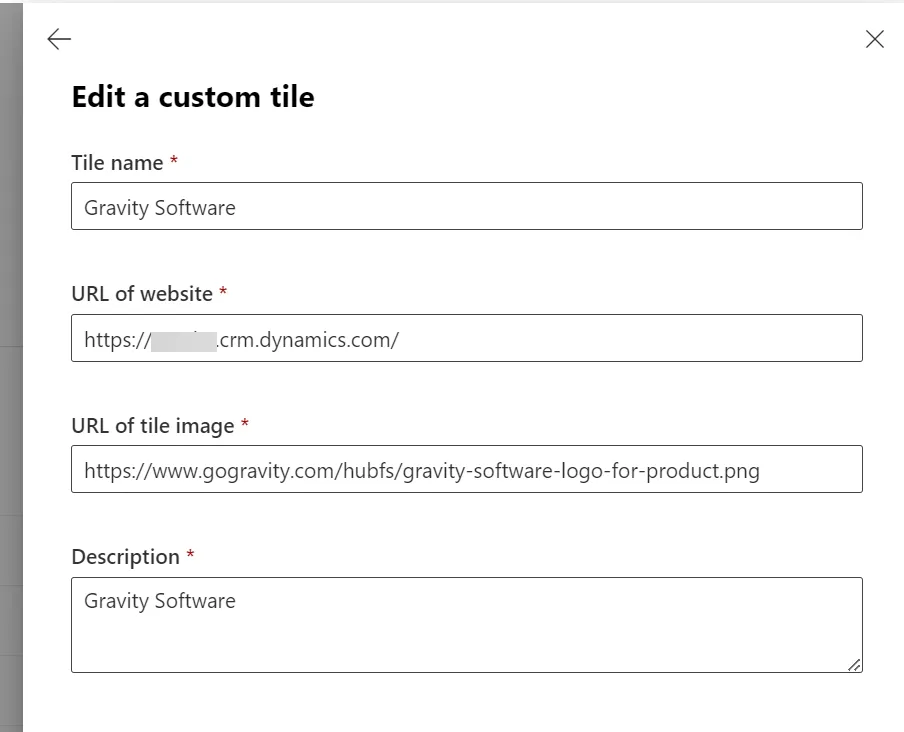
The Parameters for the App are:
- Title Name: Gravity Software
- URL of website: This will be the URL from the Gravity application, it will look like https://<name>.crm.dynamics.com. The <name> is unique to the environment.
- Description: This can be any description to identify Gravity to the users.

Note: If you wish to add the Gravity Sandbox or over environments they will be separate icons with unique names for the environments.